SuperDuper Terminal
SSH client for iPhone and iPad with tmux sessions that survive a dropped connection.
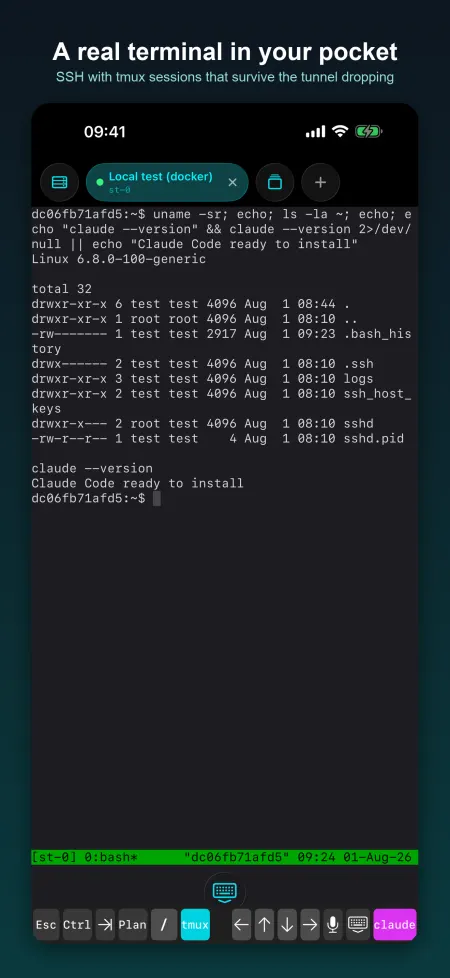
SuperDuper Terminal is an SSH client for checking on a server from your phone: a long job, a service to restart, a coding agent waiting for an answer. Sessions run inside tmux by default, so losing signal or closing the app does not kill your work.
In the App Store · iPhone · Free, no in-app purchases
What it does
Real terminal over SSH
Full PTY with colours and cursor keys, built on SwiftNIO SSH (Citadel) and SwiftTerm. Password or key authentication.
tmux by default
Auto-tmux is on by default; reconnect and pick up the same session, or adopt any tmux session already running on the server.
Keys made on the device
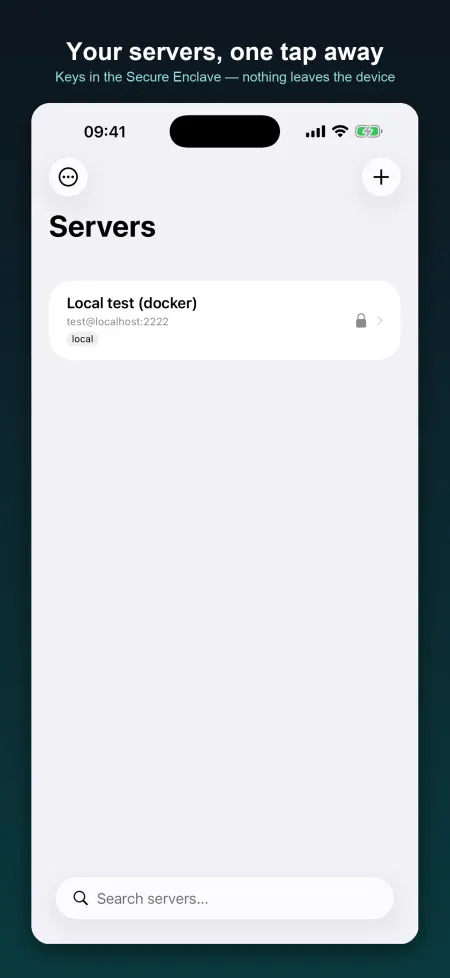
Ed25519, ECDSA and RSA keys generated on the phone and stored in the Keychain. Face ID protection is an optional setting.
Keyboard row for the command line
Esc, Ctrl, Tab, arrows, pipe and slash, plus shortcuts for keys coding agents ask for.
Port forwarding and server setup
Forward a remote port to the phone. An optional provisioning helper runs install scripts (Node, Claude Code, Docker, uv, bun) on your own server over SSH.
Privacy
No account and no server of ours in the SSH path. Keys and server details are kept in the Keychain and sync through iCloud Keychain to your other Apple devices. The current code also sends an anonymous launch count to our own server.
- Account: none. The app has no sign-in and no account.
- Reaches us: An anonymous launch count: the event "app launched", the app version, a timestamp and a random install id (see Analytics). Added in version 1.0.1.
- Other services: Your SSH servers, Apple iCloud Keychain, deb.nodesource.com, claude.ai, get.docker.com, astral.sh, bun.sh
FAQ
What happens if I lose signal or close the app?
With Auto-tmux on (the default) the shell runs inside tmux on the server, so the job keeps running. Reconnect and the app reattaches to the same session; Auto-Reconnect is also on by default.
Where are my private keys?
Generated on the phone and stored in the iOS Keychain. They sync through iCloud Keychain to your other Apple devices if iCloud Keychain is on. They are never sent to us.
Can I protect keys with Face ID?
Yes. Turn on 'Require Biometrics for Keys' in Settings; you can also lock the app on launch. Both are off by default.
Does it support passwords?
Yes, password or key authentication per server. A password is typed when connecting and not stored.
Is it open source?
Yes: github.com/fortunto2/swift-terminal.