Voxlog
Record a meeting or a whole day in your pocket and read it back as text, transcribed on the iPhone.
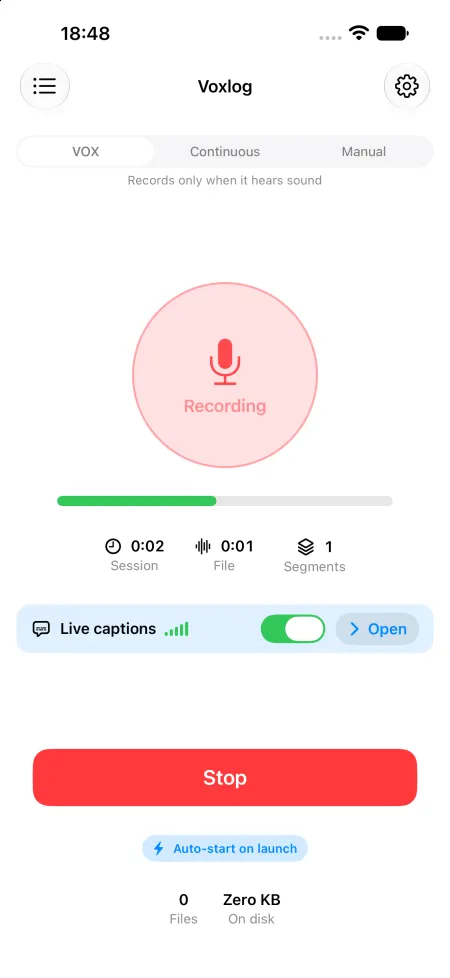
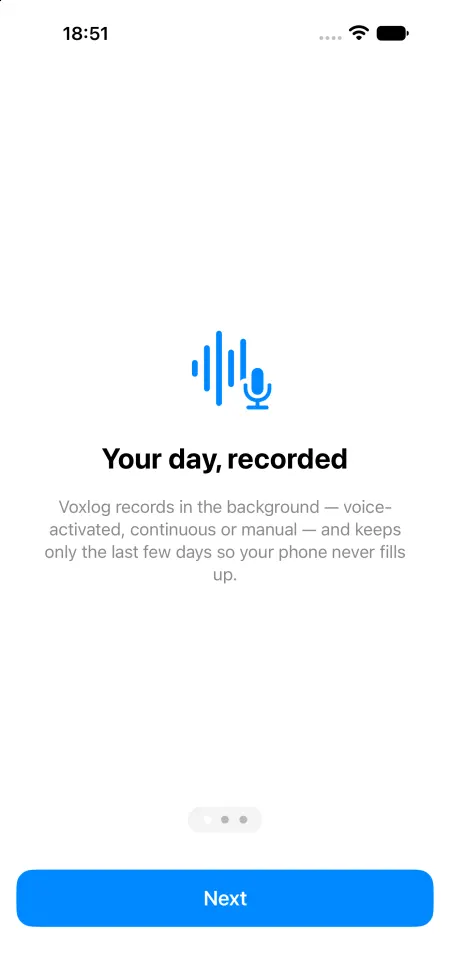
Voxlog records in the background with the screen off, in 10-minute segments, and turns each one into a transcript with speaker labels on the phone. Live captions, translation and Apple Intelligence summaries also run on the device, and there is no account or server. It is in public TestFlight beta while App Review considers version 1.0.
Public beta on TestFlight, App Store release pending review · iPhone · Free
What it does
All-day background recording
Records with the screen off in 10-minute AAC segments, with an optional voice-activated mode that records only when someone speaks. A Live Activity shows the recording, and it stops itself when the battery runs low.
Transcripts with speaker labels
Each segment is transcribed on the phone with Apple's recognizer by default, or with downloadable Parakeet (25 languages) or GigaAM (Russian) models, and labelled by speaker. Tap a line to jump to that moment in the audio.
Live captions and translation
While recording, see captions with the newest line on top, optionally side by side with an on-device translation (iOS 18). Captions are saved per recording as a text file.
Summaries and to-dos
On iOS 26 with Apple Intelligence, a recording or a whole day gets a headline, key points, to-dos and people. To-dos can be sent to Reminders with one tap.
Import, export, auto-delete
Import an audio or video file to transcribe it, export a day as a zip to AirDrop or Files, and let recordings delete themselves after 1 to 30 days unless starred.
Privacy
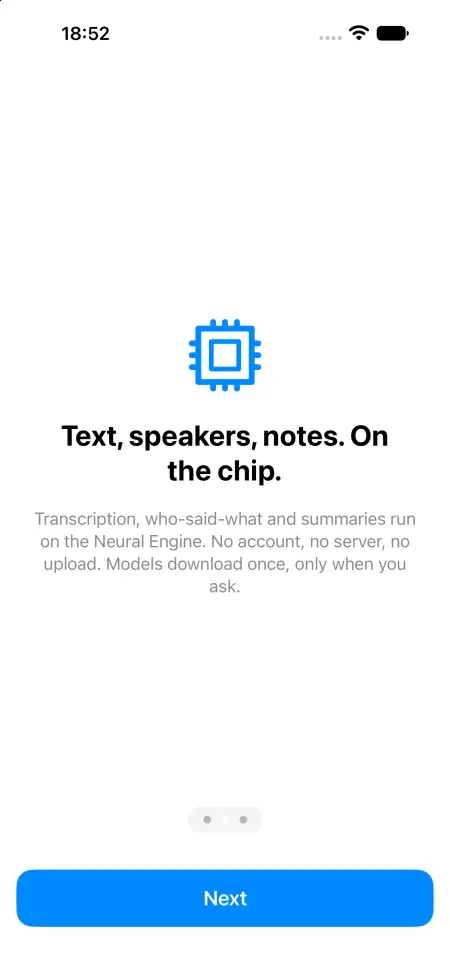
Audio, transcripts, captions and summaries are files in the app's own folder on your iPhone and are never sent to us. The app has no analytics and no server of ours; it only downloads speech models when you tap Download.
- Account: none. The app has no sign-in and no account.
- Reaches us: nothing
- Other services: huggingface.co, github.com (release fortunto2/gigaam-v3-coreml v3-rnnt-int8), Apple (iOS asset system / Siri speech servers)
FAQ
Does Voxlog upload my recordings?
No. Recordings, transcripts and summaries are files in the app's folder on your phone. There is no account and no server. The only downloads are speech models, and only when you tap Download.
Does it work offline?
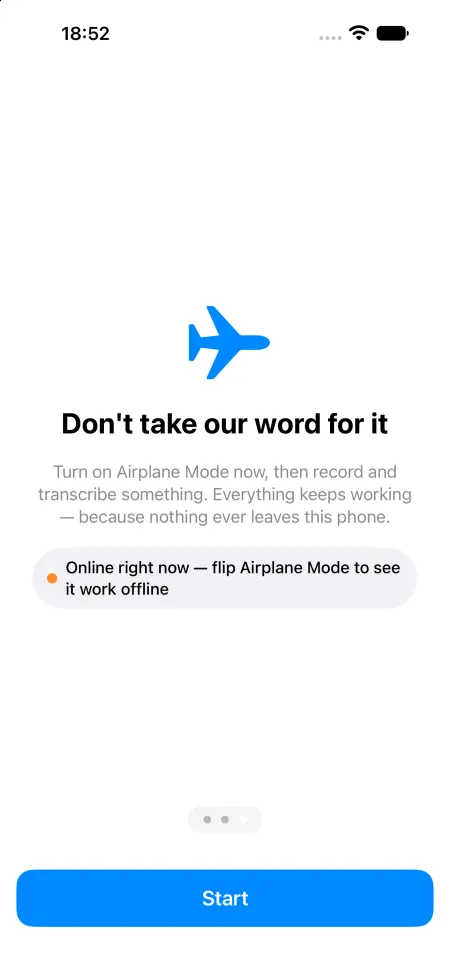
Yes, once the language model you use is on the phone. Onboarding asks you to switch on Airplane Mode and try it.
Which languages can it transcribe?
Any language with an on-device iOS dictation model, Auto mode for mixed speech, Parakeet for 25 languages (iOS 18+) and GigaAM for Russian. The app interface is in English.
How long can it record?
Hours, with the screen off, in 10-minute segments so a crash loses at most one segment. It stops when the battery gets low.
Is it legal to record other people?
That depends on where you are; in most places you need their consent. iOS shows the microphone indicator while Voxlog records and the app cannot hide it.
How much does it cost?
It is free, with no purchases. Right now it is available through the public TestFlight beta.