Starlapse
Long-exposure night sky camera: stacks hundreds of 1-second frames and tells you where to aim for meteors.
Starlapse locks the iPhone camera for the night sky and builds long exposures by stacking frames, since a single iPhone frame stops at about one second. It focuses on starlight, aligns frames on the stars, and works out from your location where to point for tonight's meteors.
In the App Store · iPhone · Free; Starlapse Pro is a one-time $4.99 purchase
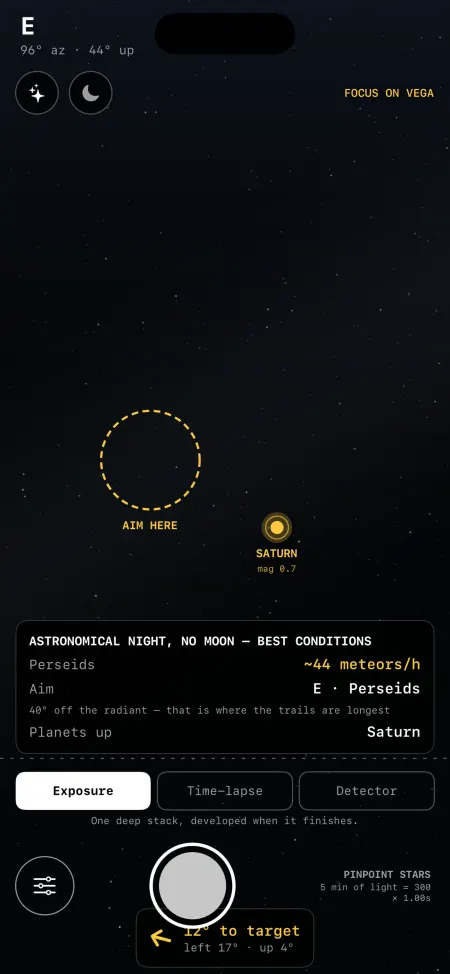
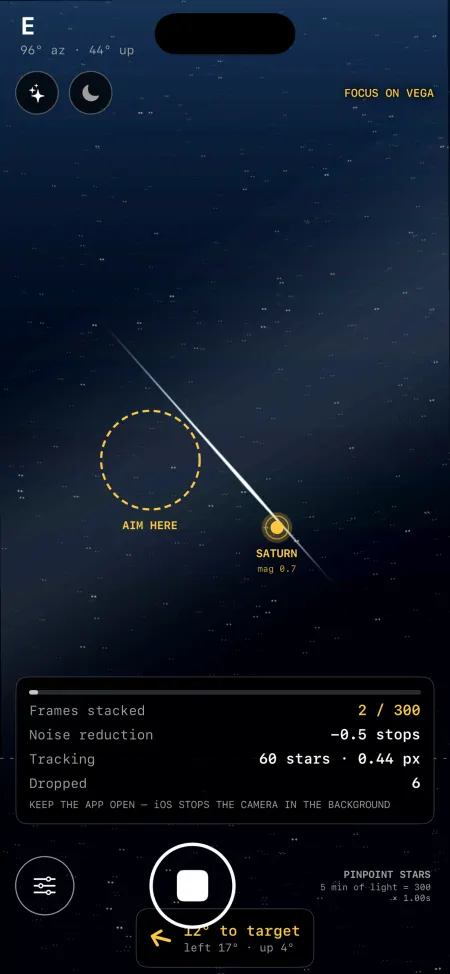
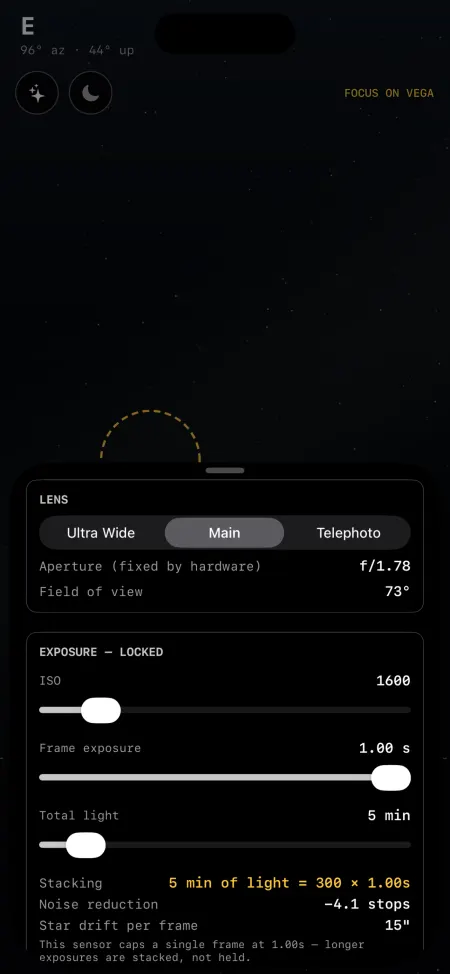
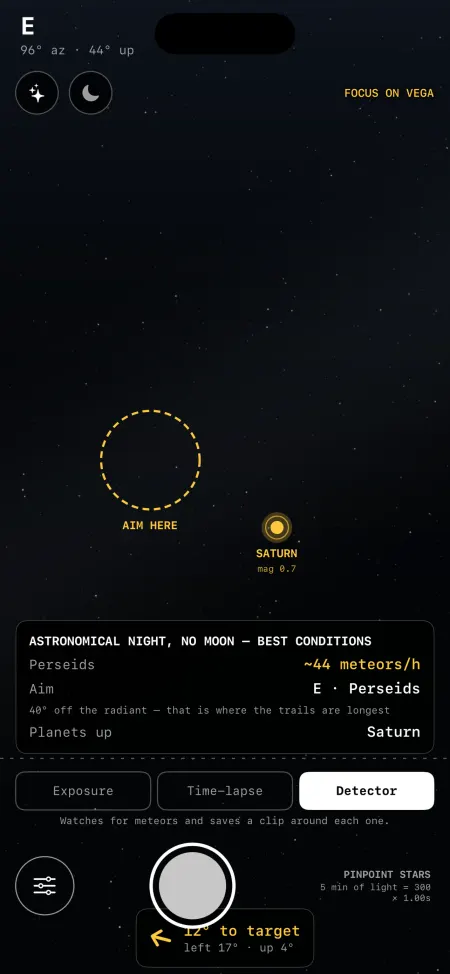
What it does
Stacking up to an hour of light
From 10 seconds to a full hour, as pinpoint stars aligned on the stars themselves or as star trails with the ground kept sharp. The screen shows the arithmetic, e.g. '10 min of light = 600 x 1.00s'.
Autofocus on starlight
Steps the lens across its range, measures star size at each position and stops at the smallest. Takes about a minute.
Where to aim
Overlay of planets, bright stars and the Moon from location and motion sensors. For meteor showers it points 40 degrees off the radiant and away from the Moon (Pro).
Meteor detector and night time-lapse
Detector watches the sky and saves a short clip around anything that crosses it; in time-lapse every video frame is its own stack.
Develop afterwards
The stack is kept as accumulated light, so stretch (asinh curve), black point, exposure and saturation can be changed after the shot.
Privacy
No account. Photos, location and heading stay on the phone unless you opt in to the sky dataset. The app sends a usage counter you can switch off, and purchases go through Apple.
- Account: none. The app has no sign-in and no account.
- Reaches us: Anonymous usage counts (see Analytics), which you can switch off.; Only if you opt in to the sky dataset: sky brightness and star measurements, camera settings, the iPhone model, a 2048-pixel JPEG of each saved stack, the capture time, your location rounded to about 10 km, the direction in whole degrees, meteor tracks the detector found, and a random contributor id. Sent to api.starlapse.app to build an open dataset of night-sky conditions.
- Other services: api.starlapse.app, Apple App Store (StoreKit 2)
FAQ
Why stack instead of one long exposure?
An iPhone frame tops out at about one second. Starlapse takes hundreds of them and adds them up; noise falls with the square root of the frame count, and the same data can become pinpoint stars or star trails.
Do I need a tripod?
Yes. Stacking assumes the phone does not move; handheld frames will not line up.
Can it run with the screen off?
No. iOS stops the camera when an app leaves the screen, so Starlapse keeps the screen on and dims it with a red-on-black interface.
What does Pro add?
A one-time $4.99 purchase: tonight's meteor showers with rates, the aim target 40 degrees off the radiant and away from the Moon, peak nights, and saves without the 'Shot on Starlapse' credit. Camera, stacking, detector and time-lapse are free.
What is the sky dataset?
Optional. If you say yes (asked once after your first saved photo), each saved stack sends a sky brightness reading, a 2048-px photo and a location rounded to about 10 km to study light pollution. Settings > SKY DATASET turns it off or deletes everything you sent.